
How to Turn a Meeting Recording into Actionable Notes
Learn how to turn a meeting recording into searchable notes, summaries, and action items without losing key decisions or follow-up work.
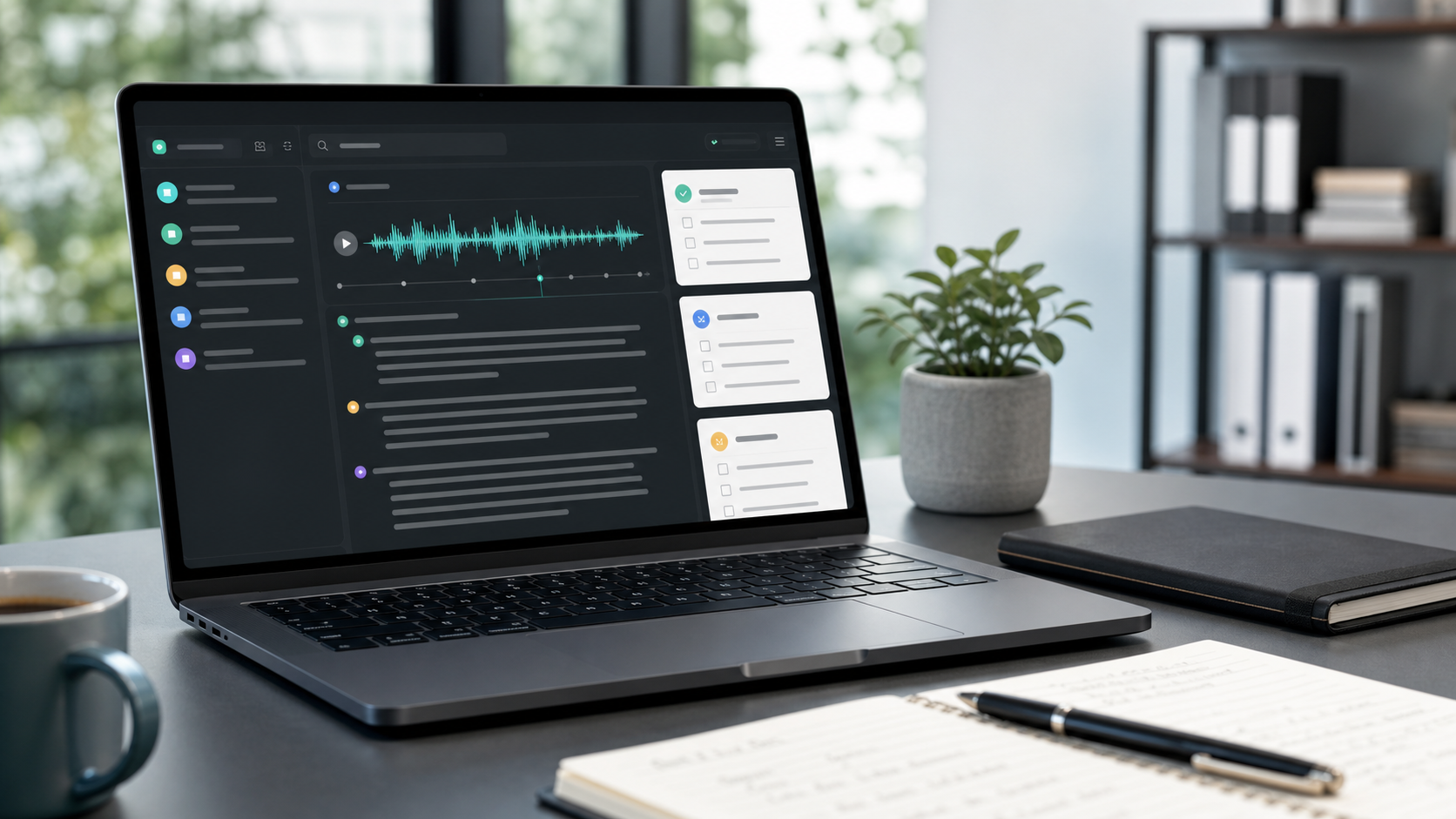
How to Turn a Meeting Recording into Actionable Notes
A meeting recording is useful, but it is rarely the format your team actually works from. People need fast answers: what was decided, who owns the next step, what deadline was mentioned, and which topic needs follow-up. When the only source of truth is a forty-minute recording, those answers stay buried in audio and momentum gets lost.
That is why many teams now treat transcription as the first step in meeting documentation. Once a recording becomes text, it is easier to scan, summarize, search, quote, and share. Instead of replaying the same section three times, you can jump directly to the moment where a budget changed, a stakeholder raised a concern, or a task was assigned.
What good meeting notes should include
Strong meeting notes are not just a transcript pasted into a document. They should help the next person understand the discussion quickly and act on it confidently. In practice, that usually means capturing:
- the purpose of the meeting
- the main decisions that were made
- open questions that still need answers
- action items with owners
- supporting details that explain why the decision happened
The transcript is what makes those notes dependable. If someone wants context, they can review the exact wording in the conversation instead of relying on a vague summary written from memory.
A simple workflow for turning recordings into notes
The most reliable workflow is straightforward. First, upload the meeting audio or video. Then generate a transcript with timestamps and speaker separation. After that, review the transcript once and pull out decisions, blockers, and next steps into a shorter document your team can share.
This process becomes much faster when the platform already supports features like speaker identification, summary generation, and topics extraction. Those features reduce the amount of manual sorting you have to do after the transcription is ready.
Why searchable transcripts improve team execution
Searchability is one of the biggest advantages of converting a meeting recording into text. A written transcript lets project managers, founders, operators, and client-facing teams find the exact moment a name, date, number, or risk was mentioned. That matters when you are reviewing status meetings, sales handoffs, discovery calls, internal retrospectives, or planning sessions.
Searchable transcripts also make collaboration easier across time zones. Someone who could not attend can read the notes first, then open the transcript only when they need more detail. That is much faster than asking for a recap or rewatching an entire recording.
Where teams usually lose time
The biggest bottleneck is not the recording itself. It is the manual cleanup after the call. Teams often copy fragments into chat, rewrite the same points in project tools, or create action items from memory hours later. That delay creates inconsistency and increases the odds that smaller commitments disappear.
Using a consistent transcription workflow shortens that gap. Once the transcript is available, you can move directly into note cleanup, task assignment, and follow-up. The result is a clearer operating rhythm and fewer moments where somebody says, "I know we talked about it, but I cannot find where."
When this is especially valuable
Meeting transcription is especially useful for recurring operational calls, leadership syncs, client meetings, standups, hiring interviews, project kickoffs, training sessions, and partner reviews. Any conversation that produces decisions or commitments benefits from a text record.
It is also helpful when the conversation moves quickly or involves multiple speakers. In those cases, relying on live note-taking alone usually means important details get compressed or missed.
Final thought
If your team already records meetings, you are only one step away from turning that raw material into a much better documentation system. A transcript gives you the foundation. Clean notes, summaries, and action items turn that foundation into something the team can reuse.
If you want a faster path from recording to usable documentation, start with TranscriptionPlus and build a workflow around transcripts, summaries, and speaker-based review. The result is not just better notes. It is better follow-through.