
How to Transcribe YouTube Videos to Text for Repurposing and Search
A practical guide to converting YouTube videos into transcripts you can reuse for captions, summaries, articles, and support content.
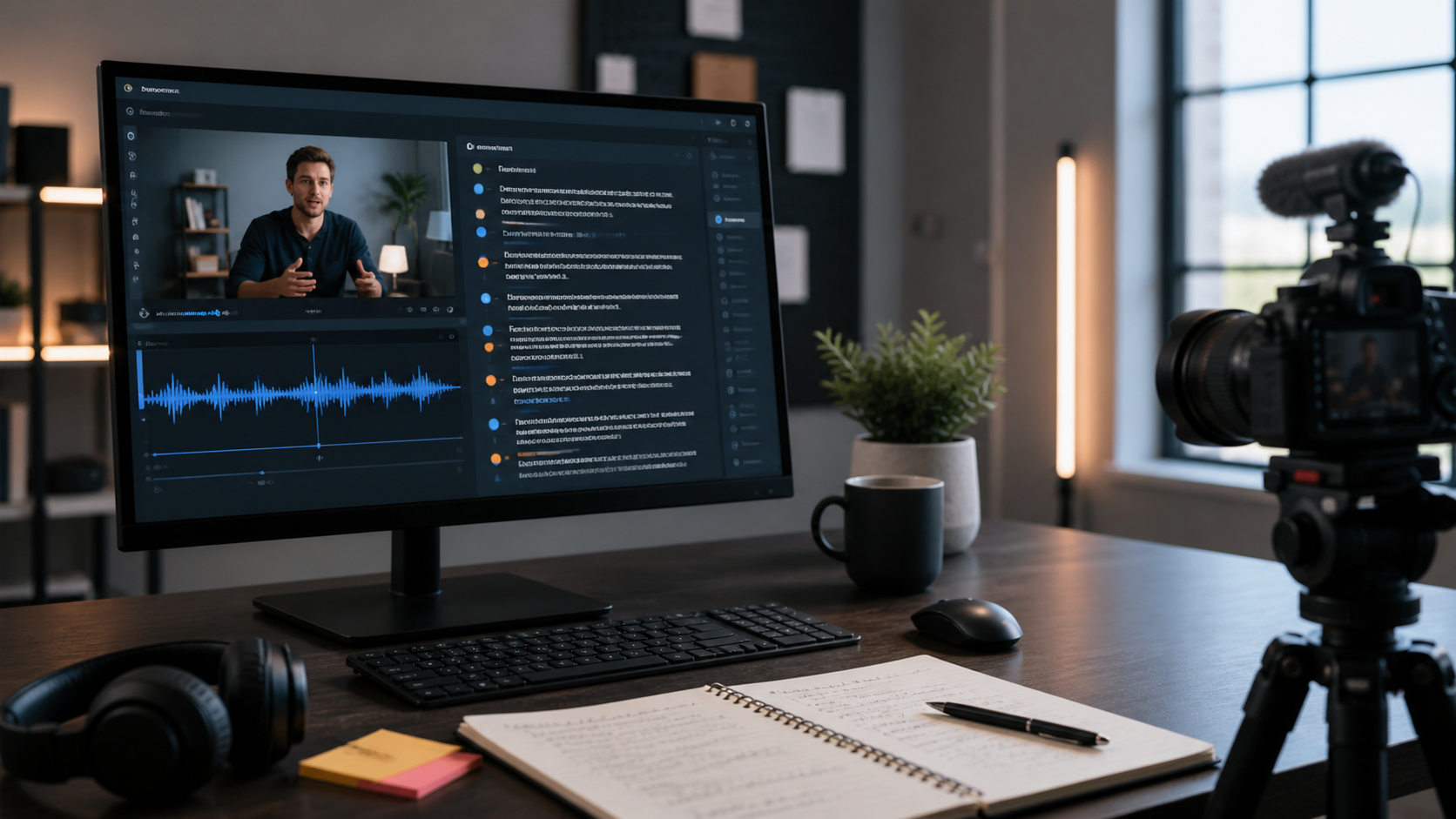
How to Transcribe YouTube Videos to Text for Repurposing and Search
When a video performs well on YouTube, the spoken content inside it is often more valuable than the upload itself. Tutorials, interviews, demos, webinars, and explainers usually contain answers people would also read in an article, quote in documentation, or reuse in customer support. Transcribing YouTube videos to text helps unlock that value.
The goal is not only to create a written copy of the video. The goal is to turn a single recording into reusable content: captions, summaries, searchable knowledge, blog articles, course notes, help center updates, and short-form clips that all stay aligned with the original source.
Why text makes video content more useful
Video is strong for engagement, but text is much easier to search, scan, quote, and repurpose. Once the spoken content becomes a transcript, you can quickly identify recurring questions, extract product explanations, build timestamped notes, and create pages that target specific search intent around the topic.
For example, a product walkthrough might include answers to setup questions that customers keep asking. A transcript lets your team pull those answers into onboarding documentation without rewatching the entire video every time.
Good use cases for video transcription
Transcribing YouTube videos is especially helpful for:
- educational content and tutorials
- interviews and thought leadership videos
- webinars and product demos
- internal training recordings
- support content that can become articles or FAQs
If the video includes on-screen talking points or a clear teaching structure, the transcript becomes even more useful because it can be reorganized into headings, summaries, and supporting resources.
A clean workflow to follow
Start with the video you have permission to repurpose. Then generate a transcript from the audio track, review the text for names, jargon, and obvious formatting issues, and split the final result into sections based on the structure of the video. From there, you can create short summaries, publish supporting content, or prepare subtitles and multilingual versions for broader reach.
If the video includes multiple speakers, speaker identification helps preserve clarity. If the content is long, summary and topic tools help you isolate the strongest sections without manually scanning the entire transcript line by line.
Ways to repurpose the transcript
Once the transcript is ready, you can use it to build:
- a blog post based on the main lesson
- chapter summaries for longer videos
- a support article for frequently asked questions
- quote pulls for social and newsletters
- captions or subtitle files for accessibility
This is one of the easiest ways to stretch the value of a single video production cycle. Instead of making every content format from scratch, you start from the words that are already there.
SEO benefits of video transcripts
Transcripts help search visibility because they add topical depth to the page around the video. A written transcript can surface terms, phrases, and questions that never appear in the title or short description. That gives search engines more context and gives readers more reasons to stay on the page.
Transcripts also help when your audience is not ready to watch a full video. Some users want the answer immediately, and text gives them a faster path.
Final thought
If you already invest in video production, the smartest follow-up is often transcription. It creates a bridge between video, written content, accessibility, and search. That is especially valuable for teams that publish educational content or want to build a searchable library from recorded material.
Use TranscriptionPlus to turn video audio into organized text, then move from transcript to summary, captions, and reusable content without restarting the workflow from zero.