
Voice Memo to Text: How to Turn Quick Recordings into Searchable Notes
A practical guide to converting voice memos into text so ideas, reminders, and spoken notes become easier to search, organize, and reuse.
Voice Memo to Text: How to Turn Quick Recordings into Searchable Notes
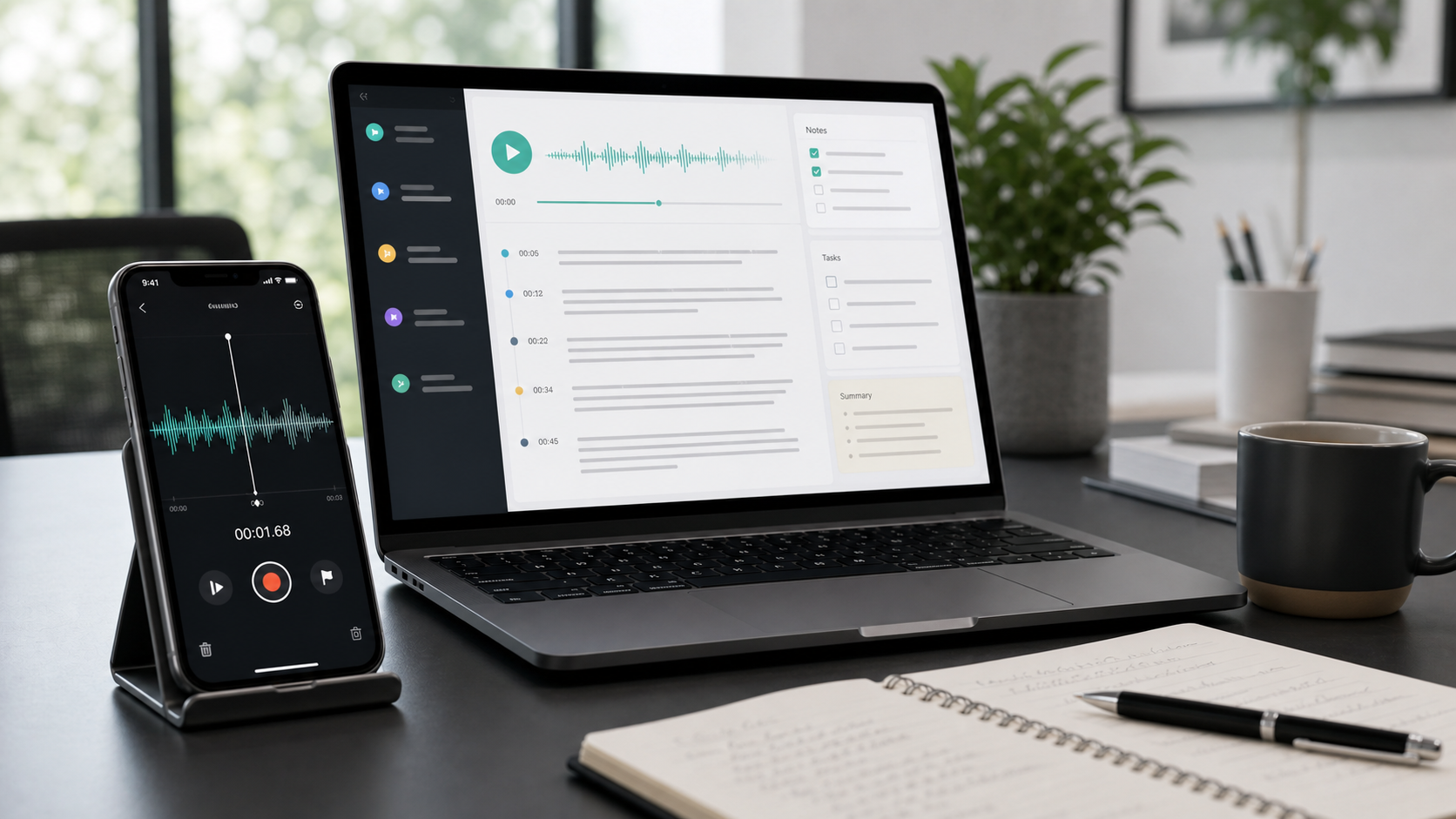
Voice memos are one of the fastest ways to capture an idea before it disappears. People use them to save meeting thoughts, draft content ideas, record reminders while commuting, speak through a research insight, or talk through a task list when typing would slow them down. The problem comes later, when the recording is still sitting in audio form and no longer easy to scan, sort, or reuse. That is why voice memo to text workflows are so useful.
Once a voice memo becomes text, it is much easier to review. You can search for keywords, copy useful sections into another document, pull out action items, or group several spoken notes by topic. That turns a quick recording habit into something much more practical over time.
Why text is better than a growing folder of recordings
Audio is good for capture speed, but text is better for management. If you record ten voice memos over the course of a week, it becomes difficult to remember which file contains which idea. With transcripts, you can scan the content in seconds and find what you need without replaying every file.
This is especially useful for:
- founders capturing product ideas
- marketers drafting content angles
- researchers logging observations
- students saving study thoughts
- anyone collecting reminders while away from their desk
The faster you can move from spoken note to readable text, the more likely those ideas are to stay useful.
What to do after converting a voice memo to text
The transcript is just the starting point. Once the memo is in text form, you can decide what kind of note it really is. Maybe it belongs in a task manager, maybe it should become the first draft of a blog outline, or maybe it is part of a larger project note. Converting the audio to text gives you that flexibility.
If the recording is longer or more detailed, a short summary can save even more time. Instead of reading the whole memo again, you can review the summary first and open the full transcript only when you need context.
A simple workflow that stays manageable
The best workflow is to transcribe the memo soon after recording it, give the transcript a useful title, and move the key points into the right system while the idea is still fresh. This reduces the risk of building up a backlog of unlabeled recordings that no longer make sense a week later.
If your memos cover multiple ideas in one recording, topics extraction can help separate those ideas more cleanly. If you are recording spoken reflections or mini-briefings for yourself, summary generation can also make review faster.
Accuracy still depends on the source audio
Like any transcription workflow, voice memo accuracy improves when the recording is clear. Speaking at a steady pace, reducing background noise, and using a consistent microphone position all help. Quick recordings do not need to sound perfect, but cleaner audio usually means less cleanup later.
It also helps to choose the right language setting when you transcribe the file, especially if you switch between languages or use specialized vocabulary often.
Strong use cases for voice memo transcription
Voice memo to text workflows are valuable for journaling, drafting ideas, content planning, field notes, daily recaps, and personal reminders. They are also useful for professionals who think more clearly out loud than on a blank page. In that sense, transcription is not just an accessibility feature. It is a way to turn spoken thinking into a reusable work asset.
Final thought
If you already capture ideas with voice memos, turning them into text is the step that makes them easier to keep, find, and act on. It reduces audio clutter and helps spoken notes fit into the rest of your workflow much more naturally.
Use TranscriptionPlus to convert voice memos into searchable text, summaries, and organized notes before those quick recordings get buried in your phone.