
MP3 to Text: A Practical Guide to Fast, Accurate Transcription
Learn how to convert MP3 files into readable text, improve accuracy, and organize transcripts for meetings, interviews, classes, and research.
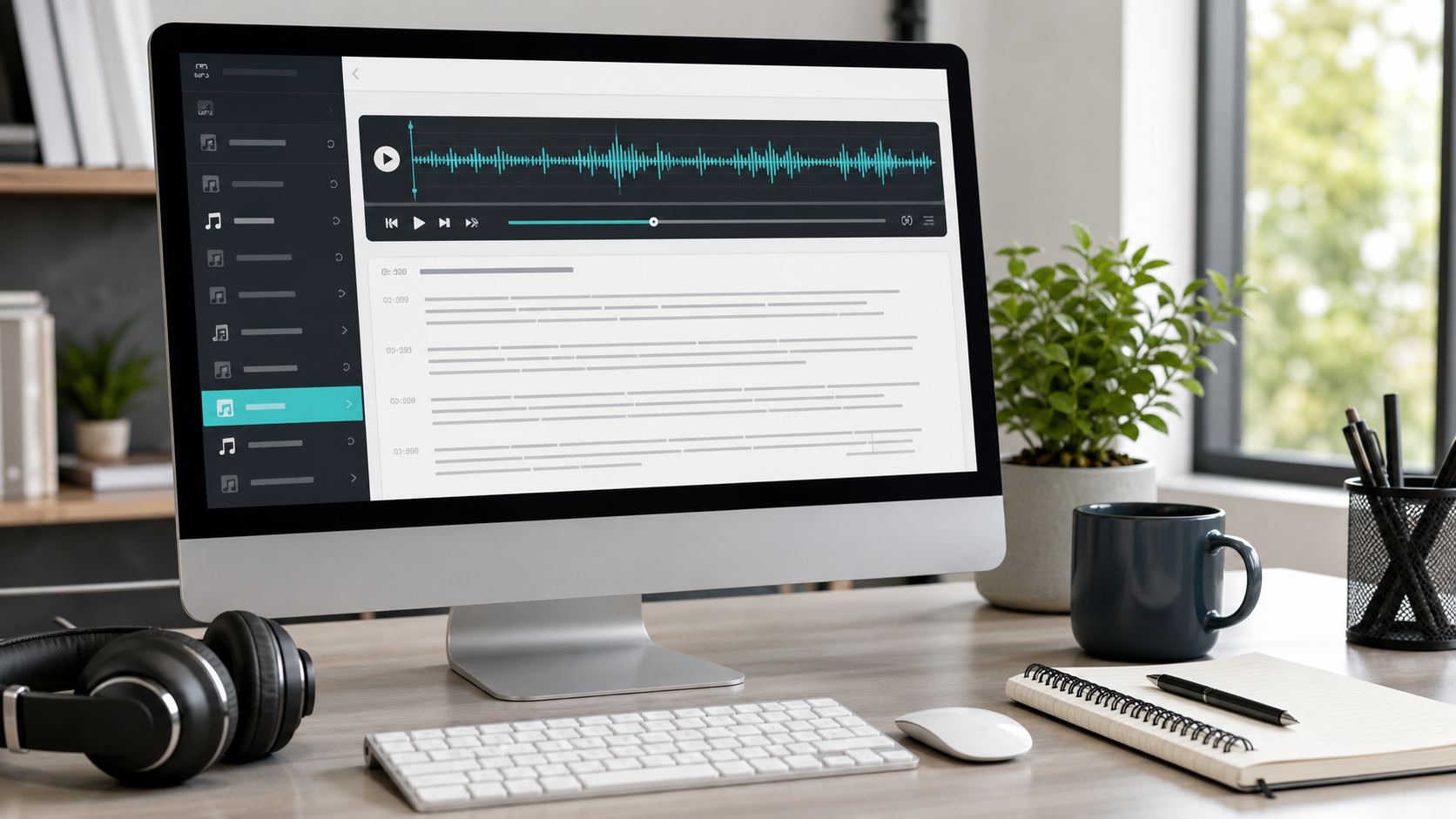
MP3 to Text: A Practical Guide to Fast, Accurate Transcription
MP3 is still one of the most common audio formats used for interviews, lectures, voice recordings, meetings, and downloaded media. Because the format is so common, "MP3 to text" remains one of the clearest practical use cases for transcription software. The need is simple: people want to turn an audio file into something they can read, search, quote, organize, and reuse.
The value of transcription starts with convenience, but it quickly becomes a workflow advantage. Once an MP3 file becomes text, it is easier to extract quotes, create summaries, share notes with teammates, and build documentation without replaying the same file again and again.
What affects transcription accuracy
No transcription workflow is helped by low-quality source audio. If the recording contains heavy background noise, overlapping speech, or a microphone that clips frequently, the final text will require more cleanup. Clear audio, consistent speaker volume, and a reasonable distance from the microphone all improve the outcome.
That said, the workflow around the transcript matters too. Features like timestamps, speaker labels, summaries, and topic grouping reduce the amount of manual work needed after the initial conversion.
A straightforward MP3-to-text workflow
The fastest path is simple. Upload the MP3 file, choose the correct language, generate the transcript, and review the result for names, industry terms, or moments where multiple speakers overlap. From there, export or reuse the transcript based on your goal.
If your recordings include more than one language or multilingual speakers, it also helps to understand the platform's multiple language support before you process large batches of files.
Common reasons people convert MP3 files to text
MP3 transcription is useful across a wide range of workflows:
- turning interviews into quotes and research notes
- converting lessons into study material
- creating searchable meeting archives
- preparing podcast or webinar summaries
- saving voice notes in a format that is easier to review later
In each case, the benefit is the same: text is easier to work with than raw audio when the next step involves analysis, collaboration, or publishing.
How to make transcripts more useful after conversion
The transcript itself is only the start. The real value comes from what you do with it next. For example, you can pull a short summary for teammates, extract topics for categorization, or break the transcript into sections for easier reading. If the recording is long, that structure makes a major difference.
This is one reason teams often pair transcription with summary generation and topic review. Those steps turn the transcript from a raw output into something closer to a working document.
What to look for in an MP3 transcription tool
If MP3 transcription is part of a recurring workflow, the tool should make it easy to upload files, review text, separate speakers when needed, and organize the output for the next stage of work. Speed matters, but readability matters too. A transcript that arrives quickly but is difficult to scan still creates extra effort for the user.
It also helps when the same workflow can support interviews, meetings, podcasts, classes, and general voice recordings. That flexibility matters when teams handle many kinds of audio.
Final thought
Converting MP3 to text is one of the simplest ways to make recorded information more useful. It saves time, improves searchability, and makes audio content easier to share across research, education, operations, and content teams.
If you want a cleaner MP3 transcription workflow, try TranscriptionPlus and turn recorded audio into organized text, summaries, and reusable notes with less manual effort.