
Zoom Meeting Transcription: A Practical Guide for Remote Teams
Learn how Zoom meeting transcription helps remote teams capture decisions, assign action items, and turn recorded calls into searchable documentation.
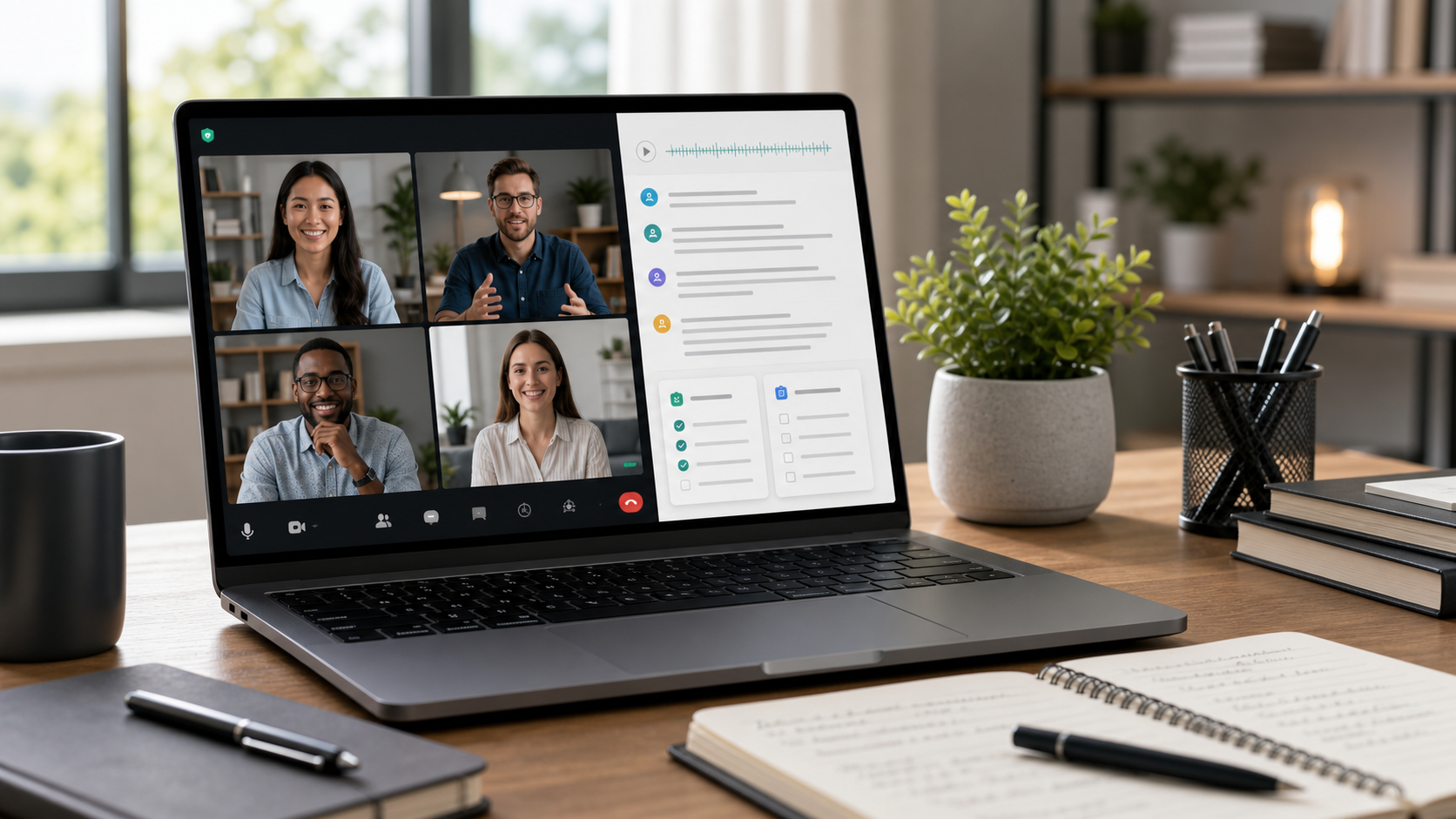
Zoom Meeting Transcription: A Practical Guide for Remote Teams
Remote teams rely on video calls for planning, project updates, client reviews, onboarding, hiring, and everyday decision-making. The problem is that a recorded call is still hard to work with after the meeting ends. Team members need quick answers about what was approved, what changed, who owns the next step, and which risk needs follow-up. That is where Zoom meeting transcription becomes so useful.
Once a meeting recording becomes text, the conversation is no longer trapped inside a video file. It becomes easier to search, summarize, quote, and share. Instead of rewatching a forty-minute call to find one deadline or one product decision, you can jump directly to the relevant part of the discussion and move forward.
Why remote teams benefit from meeting transcripts
Distributed work creates a few predictable challenges. Not everyone can join every call, time zones slow down follow-up, and fast-moving discussions often produce more decisions than one note-taker can capture in real time. A transcript helps solve those problems because it creates a fuller record than memory or rushed bullet points alone.
That record becomes especially valuable when your team needs to:
- confirm what was agreed in a planning or strategy call
- review client feedback after a presentation
- hand off context between departments
- turn spoken next steps into written tasks
- onboard people who could not attend the original meeting
For teams that already record calls, transcription is often the missing step between having information and actually being able to use it.
What a strong Zoom meeting transcript should include
A useful transcript is more than plain text. It should preserve the flow of the conversation in a way that makes review easier. In most cases, that means speaker separation, timestamps, readable formatting, and enough structure to spot topic changes quickly.
Those details matter because people rarely return to a meeting transcript just to read every line from start to finish. They return because they need a decision, a quote, an owner, or a missed detail. Features like speaker identification, summary generation, and topics extraction make that review process much faster.
A simple workflow for Zoom meeting transcription
The easiest workflow is to start with the recording, generate a transcript, then do one quick review pass to pull out decisions, blockers, and action items. After that, you can turn the transcript into a shorter note or shareable summary for the team.
This is very close to the process described in How to Turn a Meeting Recording into Actionable Notes, but Zoom-specific workflows matter because so many remote teams already use video meetings as their primary collaboration format. Once the transcript exists, it can support project notes, team updates, task tracking, and async review without forcing everyone back into the original recording.
Searchability is the real time-saver
One of the biggest advantages of a text transcript is search. Team members can find the exact moment a budget changed, a customer concern was raised, or a delivery date was clarified. That saves time across operations, sales, support, and product teams.
Searchability also reduces the risk of repeated conversations. Instead of asking a teammate, "Did we already decide this?" people can review the transcript and confirm the original context for themselves.
Common Zoom meeting use cases
Zoom meeting transcription is especially helpful for internal syncs, client meetings, account reviews, hiring interviews, onboarding calls, and cross-functional planning. Any recurring conversation that generates decisions or responsibilities benefits from a written record.
It is also useful when conversations involve multiple speakers or complex tradeoffs. In those meetings, manual notes often capture the outcome but lose the reasoning behind it. A transcript helps preserve both.
Final thought
Zoom meeting transcription is not just a documentation habit. It is a workflow improvement for teams that want better follow-through after the call ends. Transcripts help people search decisions, verify context, and turn spoken conversation into something the rest of the organization can use.
If your team already records remote meetings, use TranscriptionPlus to convert those recordings into searchable transcripts, summaries, and action-ready notes with much less manual cleanup.